Oyunu Editöre Bildirin
Melon Sandbox?

















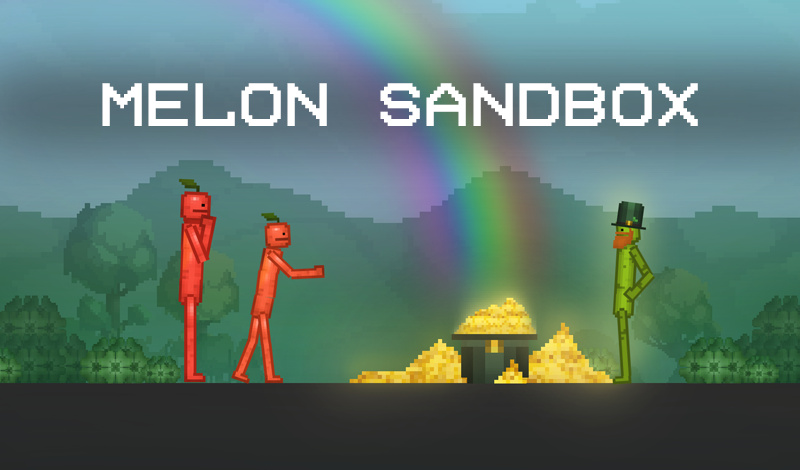
Melon Sandbox is a simulation game that allows players to create their own imaginative worlds. In this game, you can build structures in a melon sand pool and explore new realms of creativity. The possibilities for building and interacting are endless; you can create various structures using your imagination, share them with friends, or simply enjoy a fun pastime. You can also play free online, making it accessible to everyone who wants to join in on the fun.
The game lets players use their mouse to interact and construct their worlds. Once you enter the melon sand pool, you can create your own structures using various tools and materials. Use your mouse to drag and drop different objects, rotate them, and place them as you wish. The game encourages you to unleash your creativity, so don't hesitate to try out different arrangements.
To discover how different structures look, experiment by combining various materials. Observing the creations of other players can also serve as inspiration for your own designs.
Yes, Melon Sandbox is completely free to play.
Yes, Melon Sandbox is HTML5-based, making it playable on mobile devices.
In Melon Sandbox, you use the mouse to interact; dragging and dropping objects is quite straightforward.